Invite the room
Put the event link or QR card where teammates already are.
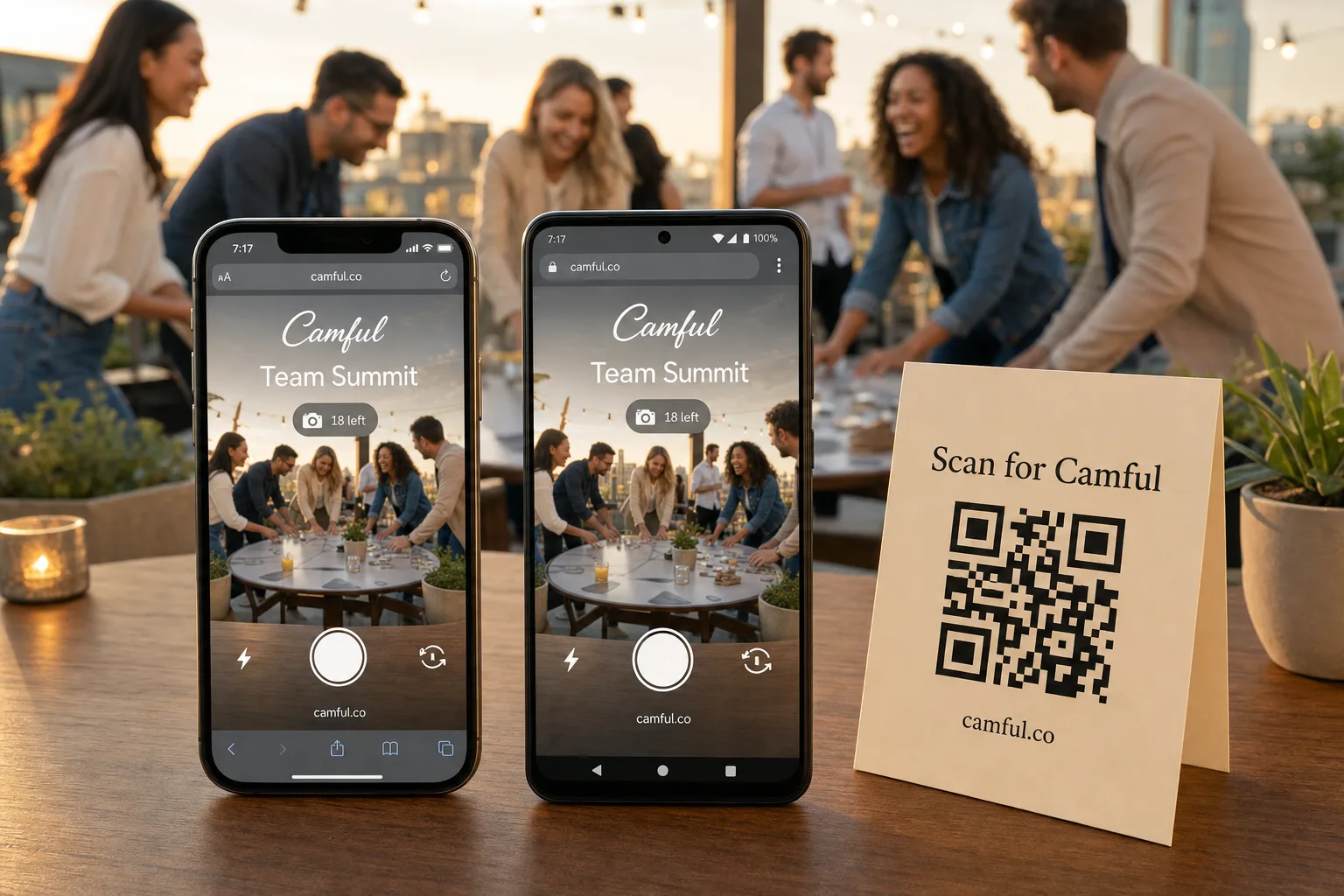
Team offsite & company event camera
The official recap shows the stage and the keynote. Camful shows the room — the workshop breakthroughs, the dinner table stories, and the hallway jokes between sessions. Every teammate captures their angle, and the whole offsite comes back in one private company gallery.
The guest flow
Share the event wherever people gather. They open the camera, take the shot, and go straight back to the table, dance floor, demo, or street.
Put the event link or QR card where teammates already are.
Shot limits make people choose the moments they actually want to remember.
The roll opens later, giving everyone a second shared moment from every teammate's point of view.
Why teams use it
Planning days, all-hands, and multi-day offsites captured from every seat — not just the two photos someone remembered to take.
Nothing leaves the event link. The organizer moderates and decides when to open the gallery, keeping internal moments internal.
Download the full-resolution roll for the wrap-up email, the newsletter, or next year's offsite pitch.
Questions organizers ask
Yes — offsites, retreats, and team-building days are the core use case.
Yes. It's reachable only through the event link, and you choose when to open it.
Yes. Create and manage multiple events from one host console.
One price per event from $9.99, no per-seat subscription. See pricing.
See the result
Browse six moments from a team offsite roll, or compare the three gallery styles a host can apply before the reveal.
Ready when you are
Set up your event roll, share one QR, and let the team bring back every angle of the trip.